1
Register & Verify
Submit your mobile number, confirm your OTP and provide enrollment details.

From first verification to court updates, here's how advocates can use ExpertVakeel.
A simple onboarding journey, followed by professional networking inside the ExpertVakeel app.
Submit your mobile number, confirm your OTP and provide enrollment details.
Your advocate details are reviewed before verified access is enabled.
Find colleagues, participate in private groups and start conversations.
Follow court channels for new announcements and important updates.

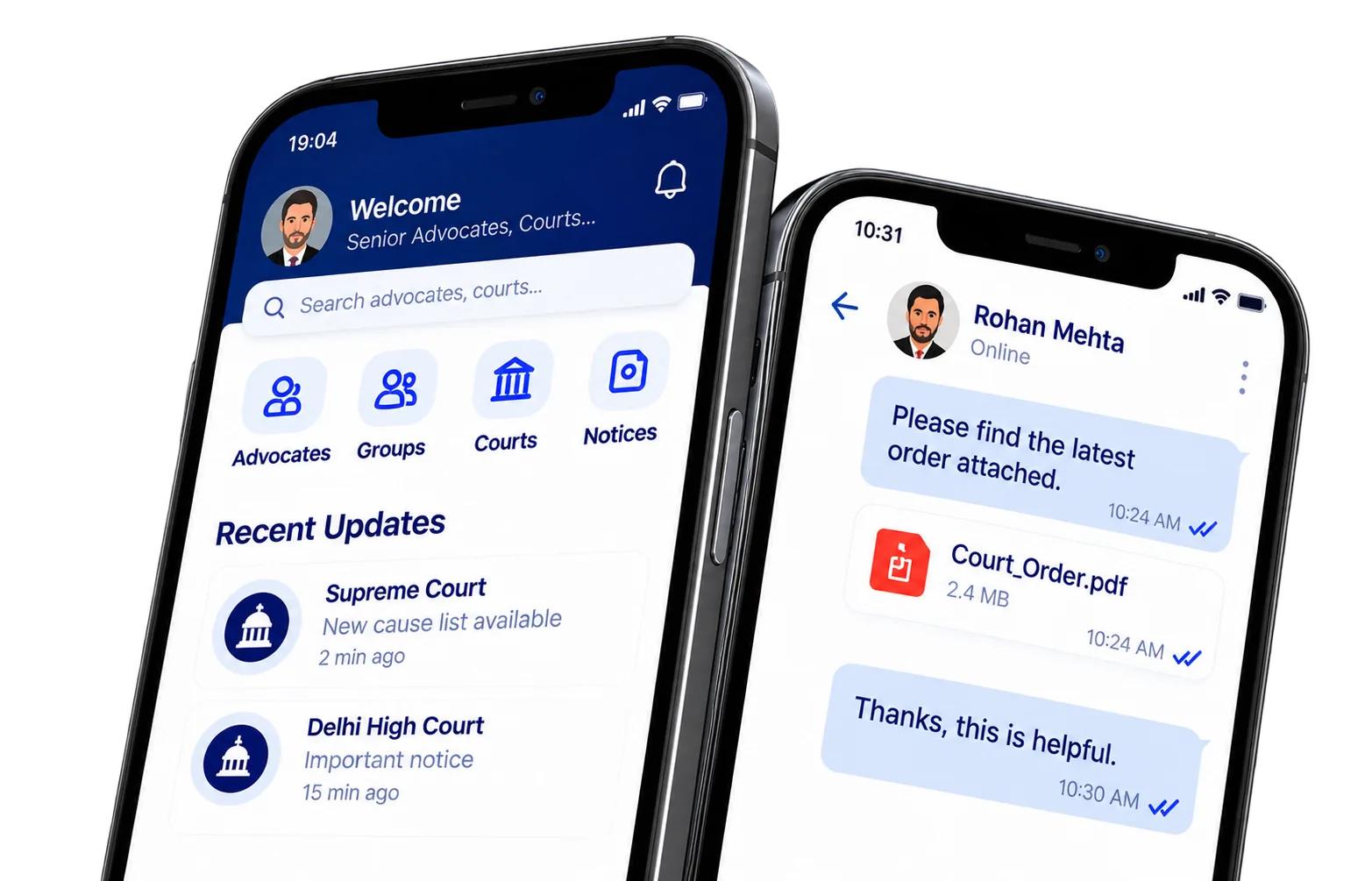
After your advocate account is approved, the mobile app gives you access to directory search, messaging, groups and court updates without switching between unrelated services.
A status badge helps members recognise approved advocate profiles.
Provide and maintain essential professional information.
Find colleagues and exchange relevant professional messages.
Read court-specific announcements and notices.
Enter your number, confirm the SMS OTP, complete your advocate profile and submit it for review. Verification is performed before full networking access is granted.
Log InStart with a valid Indian mobile number.
Enter the code delivered to your number.
Add your professional details for verification.

Stay organised, connect with fellow practitioners and keep important conversations and updates accessible inside the app.
Connect with peers and juniors.
Discuss appropriate work-related topics.
Receive updates from relevant courts.
Send PDFs and images in conversations.
Stay Connected on the Go
Access all features, get real-time court updates, secure chat and stay connected anytime, anywhere.